Crochet patterns, row counter & yarn stash — all in one app.
PDF project
Turn flat PDF patterns into interactive, step-by-step guides. Count rows from your Apple Watch, organize your yarn stash, and never lose your place again.
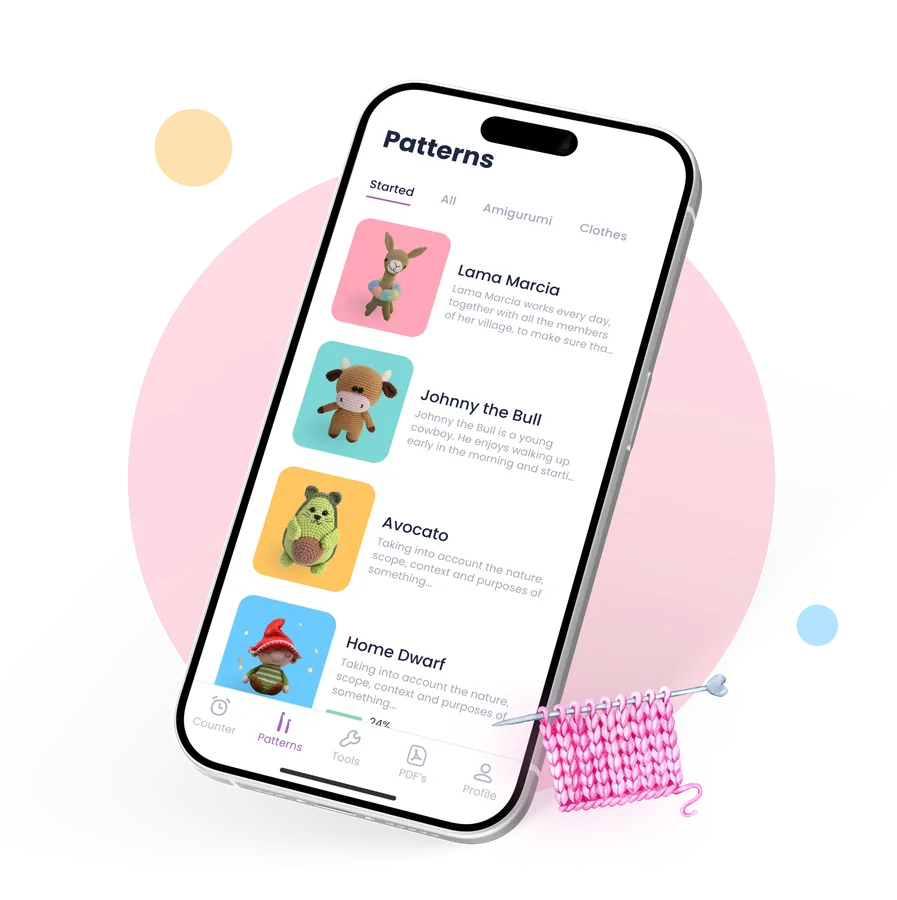


Crochet patterns for every skill level
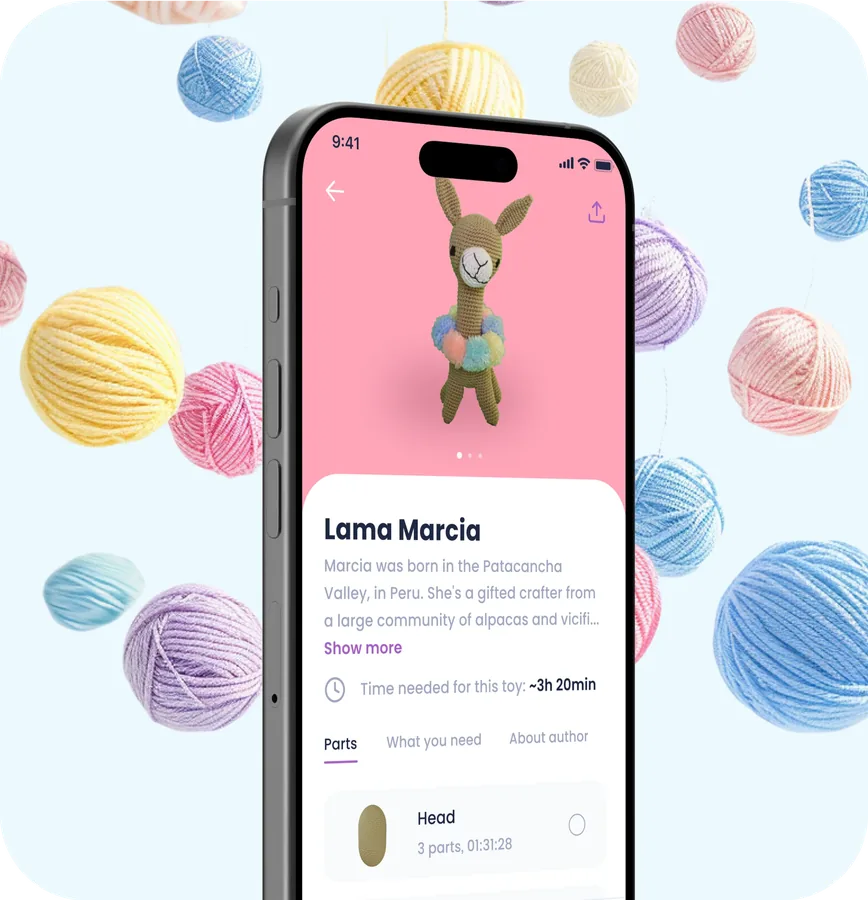
Choose from 45+ patterns from top creators (new ones are added monthly), optimized specially for mobile format, easy to read, understand and follow.
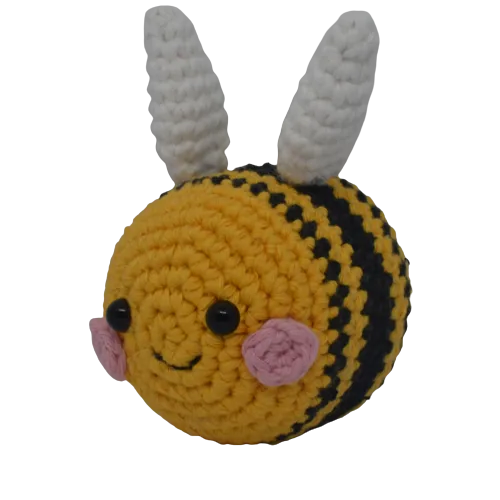
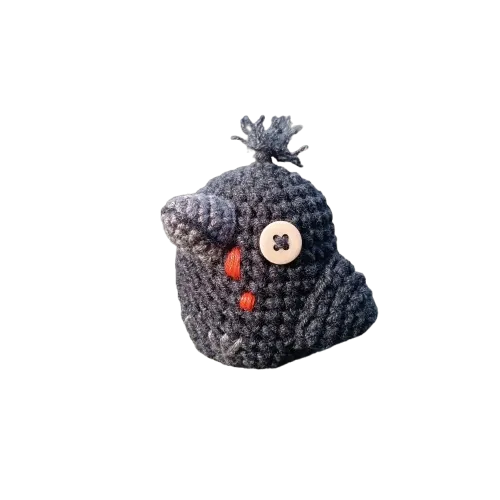
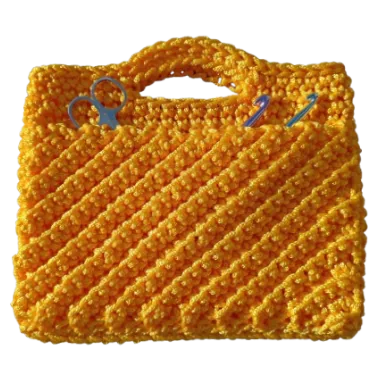
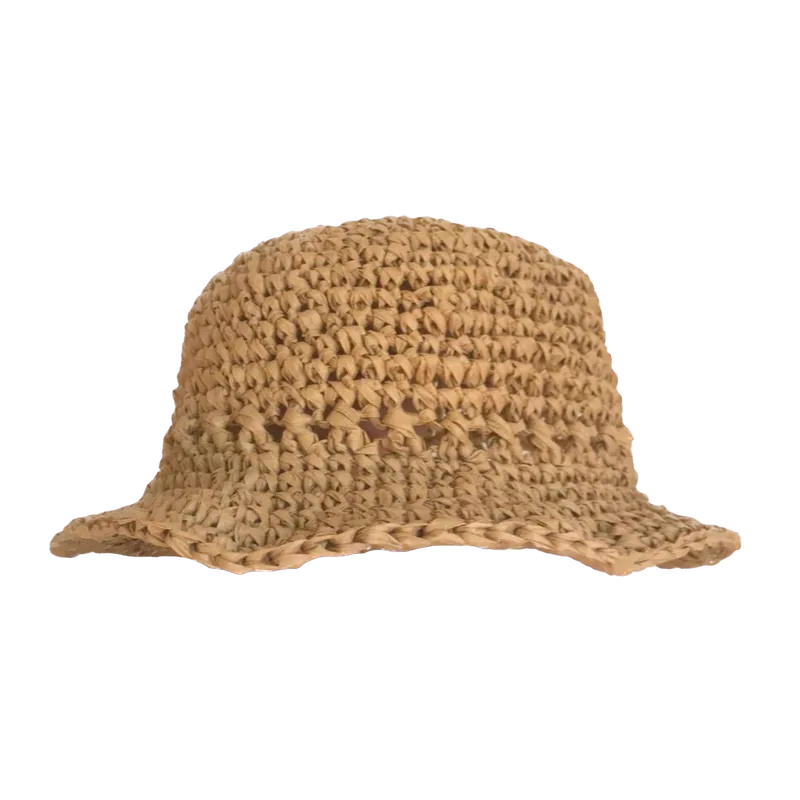
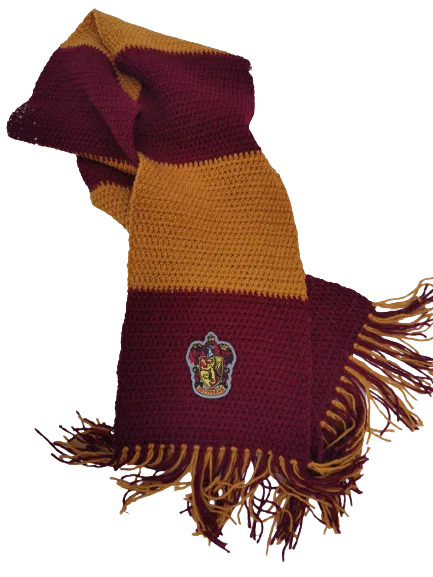
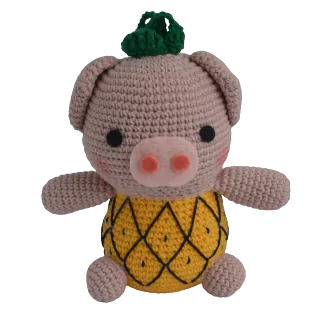
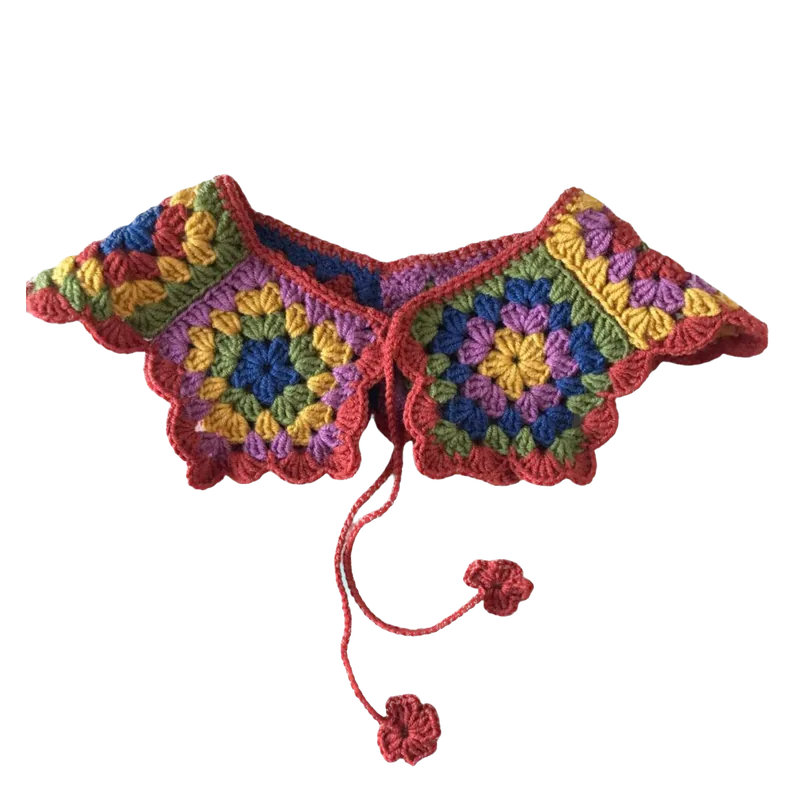
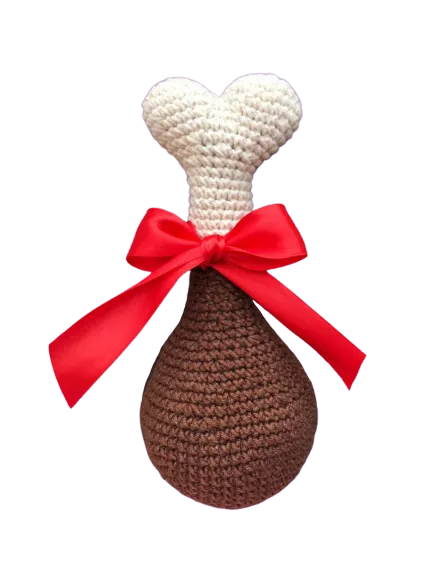
Simple crochet & knitting app
With row counter, pattern upload, yarn warehouse, shopping list and lots of other tools. New mobile-friendly patterns that were made specially for mobile devices.

Write & draw on your PDFs
Skip the paper printouts. Import your own pattern PDFs and draw, highlight, stamp, and scribble notes right on the page — then erase or adjust them as your project grows. All with the mobile row counter and app tools on top.
Crochet app patterns
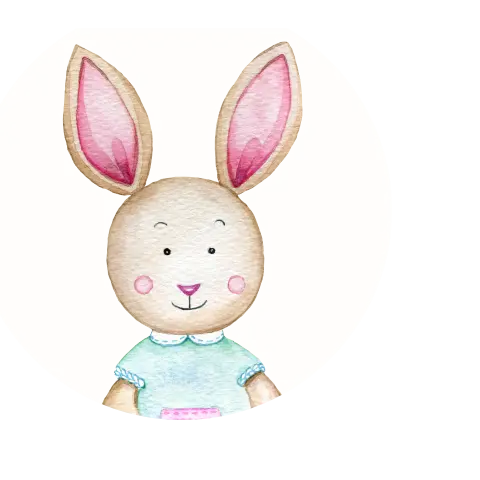
Follow crochet patterns from the top creators, optimized specially for mobile format by our editors.
Row counter
A simple and Multiple row counters with timer & progress meter. You can integrate your Apple Watch and use with your iOS device.
Yarn and hook inventory
Thousands of yarns, colors, width, properties in the app. Build your inventory with the yarns from the manufacturers your choose.
Personal shopping list
Plan your upcoming projects and needed purchases of yarns, fiberfill, hooks, needles & crochet supplies in one place.
Abbreviations & other tools
Work on something you've purchased elsewhere. Input PDF file and use all the benefits of mobile row counter and utilities of an app.
Craft comfortably in any light
Built to be easy on your eyes, however and whenever you stitch.
Dark mode
Switch to dark mode for late-night stitching in bed — gentle on the eyes, no glare.
Scalable text
Scale your pattern instructions up until they're comfortable to read. No more squinting at tiny text.
High contrast
Turn on high-contrast mode so stitches and symbols stay sharp and clear in any lighting.
Crochet abbreviations with video tutorials
View all
Never let a "magic ring" (mr) or "half-double crochet" (hdc) stall your project. Preview our stitch library below — and inside the app, tap any abbreviation in your pattern to pull up a step-by-step video, right where you're working.
Frequently asked questions
Everything you need to know about the crochet app & how to work with it
To download Crochet App, here is the link for the App Store (for iOS) if you’re using an iOS device or the link to the Google Play Store (for Android). Search for "Crochet App," tap on the app logo, and then select "Download" or "Install." Once installed, open the app and follow the setup instructions.
To cancel a mobile subscription from your app on your Apple or Google account, please follow the instructions below based on the respective platform:
Canceling a Mobile Subscription on Apple Account (iOS):
1. On your iPhone or iPad, go to the "Settings" app.
2. Scroll down and tap on your name at the top of the screen.
3. From the Apple ID menu, select "Subscriptions."
4. You will see a list of active subscriptions associated with your Apple account. Locate the app for which you want to cancel the subscription and tap on it.
5. Tap on the "Cancel Subscription" option.
6. Follow the on-screen instructions to confirm the cancellation. Your subscription will be canceled, and you will no longer be billed for it. You may still have access to the app's features until the current billing period ends.
Canceling a Mobile Subscription on Google Account (Android):
1. On your Android device, open the "Google Play Store" app.
2. Tap on the menu icon (three horizontal lines) in the upper-left corner of the screen to open the sidebar.
3. From the sidebar, select "Subscriptions."
4. You will see a list of active subscriptions associated with your Google account. Find the app subscription you wish to cancel and tap on it.
5. Tap on the "Cancel Subscription" button.
6. Follow the on-screen instructions to confirm the cancellation. Your subscription will be canceled, and you will no longer be billed for it. Similar to Apple, you may still have access to the app's features until the current billing period ends.
Note: If you don't find the app subscription listed in your Apple or Google account settings, ensure that you are signed in with the correct Apple ID or Google account that you used for the subscription purchase.
Share your crochet pattern with us
You can reach us anytime via hello@newcrochet.store